I built an AI agent that makes our church's Sunday slides
Every week the same few volunteers spent two hours or more chasing sermon slides, copying Bible verses and fixing line breaks. So I built them an agent that does it on Thursday evening, for about seven cents, and still lets a person say no.

Somebody always makes the slides
You walk into church on Sunday. The welcome slide has today's date on it. The readings appear in English and Dutch, verse by verse, perfectly lined up. The sermon slides are there. The announcements are current. Nobody in the room thinks about any of it, and that is exactly how it should be.
But somebody made those slides. At Gemeente van Christus, our congregation in The Hague, it was the same few volunteers every week, and it took them at least two hours, often more.
Here's what those two hours actually looked like:
- Chasing. Messaging the preacher for their slides. Then messaging again on Saturday. Asking the song leader for the hymn numbers. Finding out which events still need announcing.
- Copying. Three Bible readings every Sunday (Old Testament, Epistle, Gospel), each one copied verse by verse from a website, in two languages.
- Fiddling. Fixing the line breaks so the English sits above the Dutch, splitting long readings over several slides, and nudging text boxes that refuse to behave.
- Swapping. New date, new readers, new song leader, new preacher's name. Last week's sermon out, this week's in. Expired events out. A fresh screenshot of the roster table pasted in.
None of it is hard. All of it is tedious, it lands at the end of a working week, and it never stops: there is always another Sunday. That's the kind of job that quietly wears out the people who care most.
So I asked a simple question: what if the slides were already done by Thursday evening, and the volunteers only had to check them?
One rule before any code
A church is not a startup. "Move fast and break things" doesn't land well when the thing you break is the Bible reading in front of the whole congregation.
So before writing a single line, I set one rule, and everything else was built around it:
The agent never writes a word of Scripture.
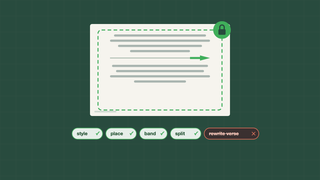
Verses are copied from published translations, word for word, and checked again after every step. AI helps with the design of the slides. It never touches the words. (Part 2 shows how that's enforced in code, not just promised.)
A week with the agent
Monday morning. Everyone on Sunday's roster gets a friendly WhatsApp reminder of their duty: "you're reading the Gospel this Sunday, Matthew 22:1–14". The song leader also gets a few hymn ideas that fit the readings, leaving out anything sung in the last four weeks. (No more accidentally singing the same hymn three Sundays running.)
During the week. Nothing changes for the church. The coordinator keeps the same Google Doc they always kept: the roster, the readings, the hymn numbers. Nobody had to learn a new tool.
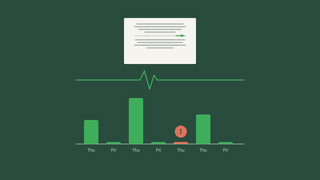
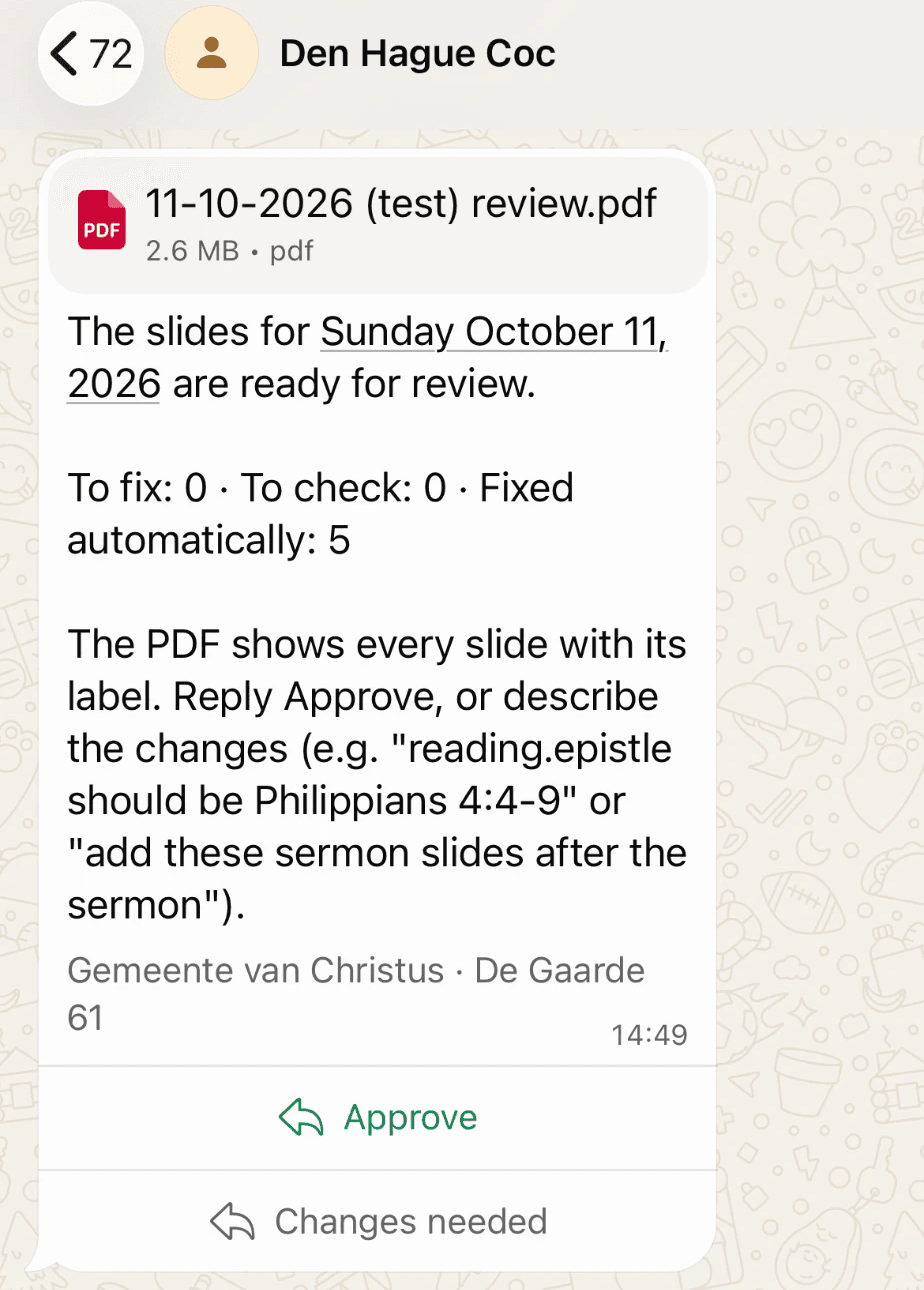
Thursday evening. The agent builds next Sunday's slides. It starts from last Sunday's deck, so any fix a person made carries forward and nothing has to be fixed twice. Then it sends a review PDF on WhatsApp to that week's slide preparer and the coordinator.
Friday. A quiet second attempt, only if Thursday couldn't finish (usually because the readings weren't in the doc yet).
Until Sunday 14:00. People just talk to it on WhatsApp, in Dutch or English:
- "Looks good" → approved.
- "The Epistle should be Philippians 4:1–9" → the reading is swapped.
- "Remove the slide about the cleaning day" → gone.
- "Which songs fit Sunday?" → a few ideas.
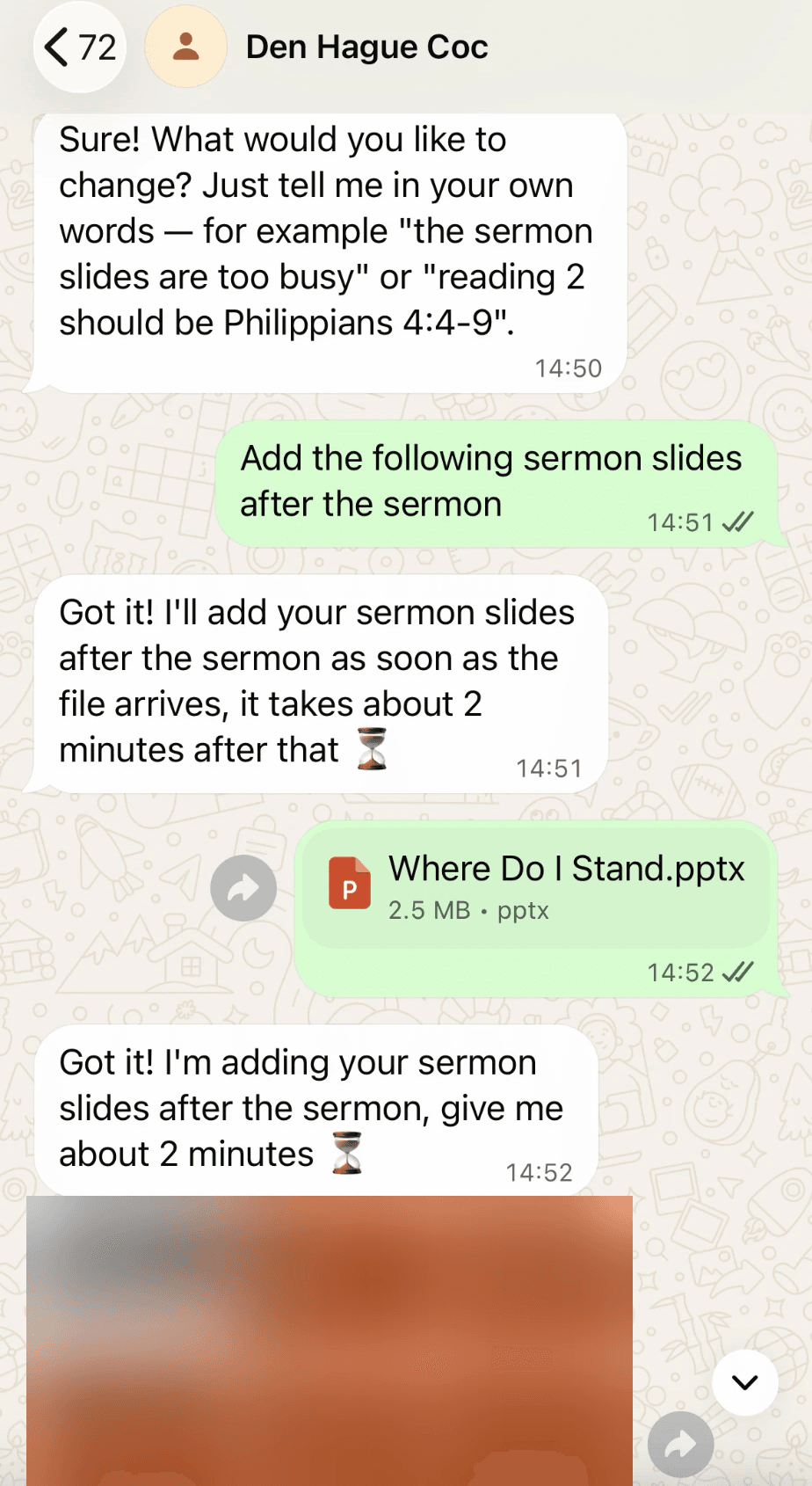
- (the preacher sends a PowerPoint) → the sermon slides go in.
It answers with "give me about 2 minutes ⏳", then sends a picture of just the slides that changed.
Sunday. We present from Google Slides, as always.
The preacher's slides: send it and forget it
This one used to be the most stressful part of the job: waiting for the sermon slides, then squeezing them into the deck at the last minute.
Now the preacher sends their PowerPoint straight to the agent on WhatsApp. It drops the slides in right after the Sermon / Lesson title, as normal editable slides, with their own colours and speaker notes intact.
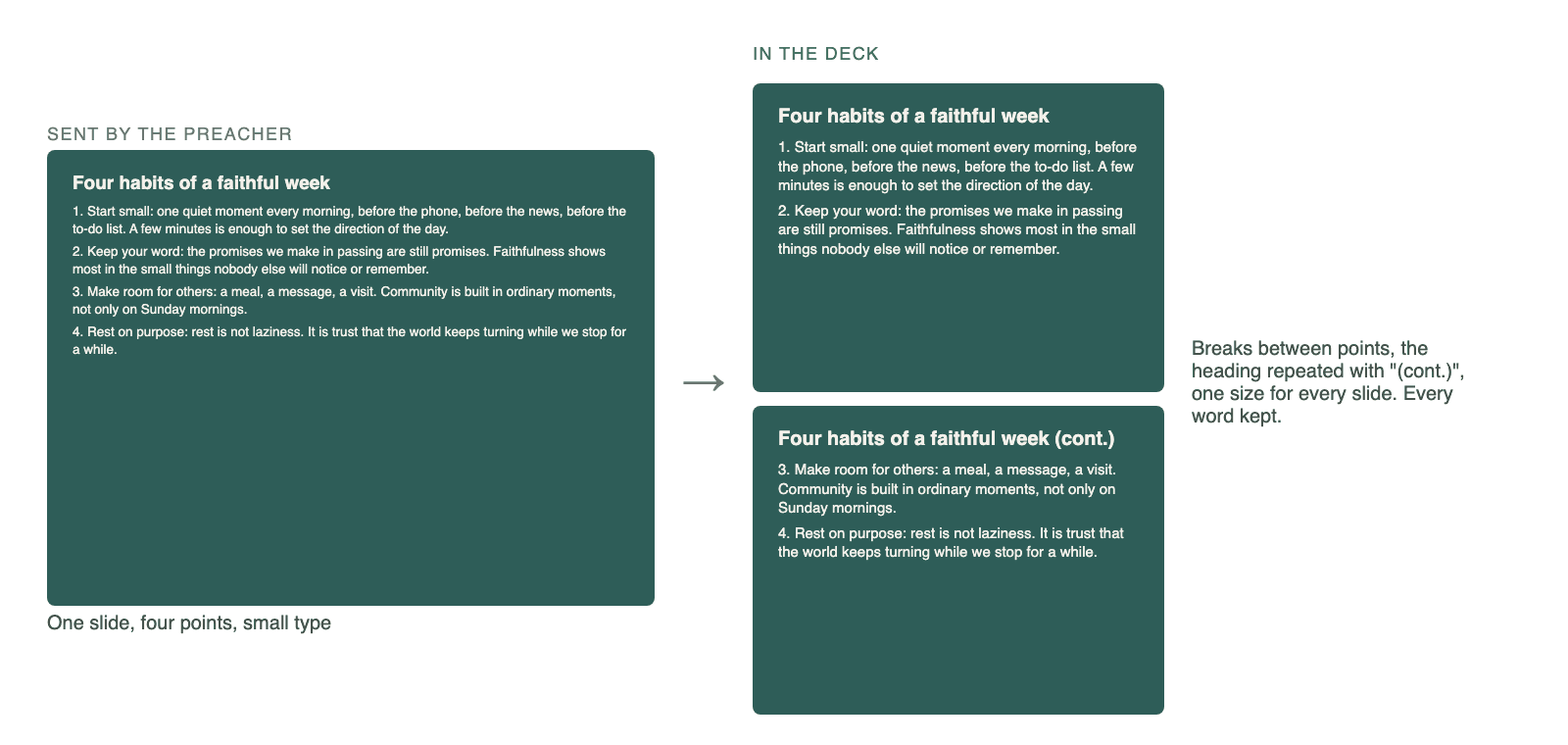
Preachers like to write a lot on a slide, which is great for the sermon and terrible for the person in the back row. So crowded slides are spread over two or three, the way a careful person would do it: breaks fall between points (never in the middle of one), the heading is repeated with "(cont.)", and every slide keeps one readable text size.
And if the same PowerPoint arrives twice (it happens), it isn't added twice.
Announcements that clean up after themselves
Announcements used to be the slides most likely to be wrong, because they're the easiest to forget:
- Event slides retire themselves. Once an event's date has passed, its slide disappears. No more advertising last month's picnic.
- The activity slide shows up only when there is one. If the roster says there's a members' meeting or a building clean-up after the service, the slide appears. Otherwise it quietly stays away.
- The roster slides are rebuilt every week from the Google Doc. They used to be a screenshot pasted in by hand. Now they're sharp, current and readable, with this Sunday highlighted.
- A "Next Sunday" slide before the blessing shows next week's readings and who's on duty, which is also a gentle reminder for the people on it.
The readings, before and after
The readings changed the most. The old slides squeezed three verses per language onto one slide in small type. Now the verses are spread evenly: at most seven lines per language, a verse never cut in half, in calm 36 pt type that the back row can read.
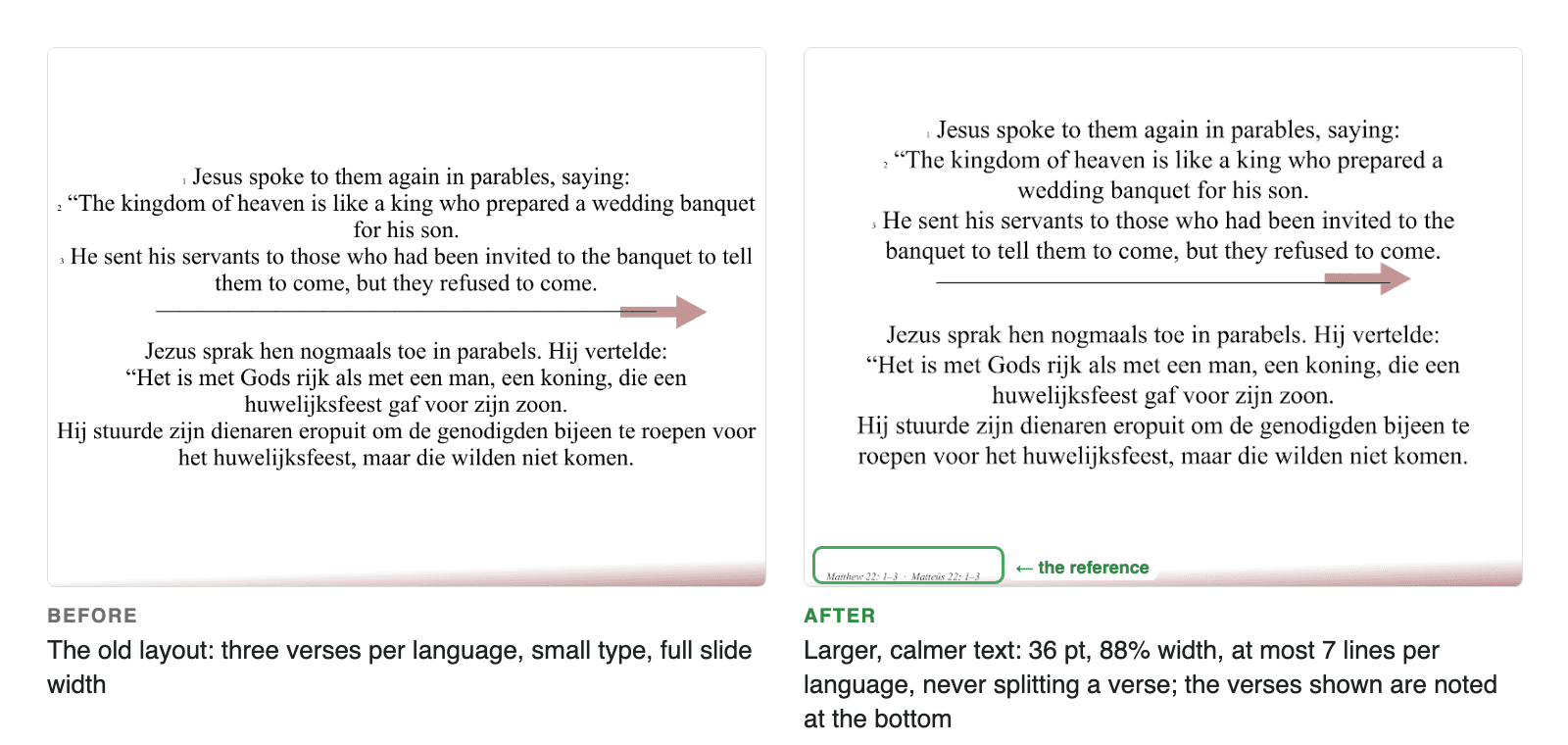
There's also a tiny reference at the bottom of every reading slide (Matthew 22:1–3), so people can follow along in their own Bible.
So, did it work?
The first Sunday it ran was 11 October 2026. The slide preparer's job has changed from building the deck to checking it: open the PDF, glance through, reply "looks good". The two hours are now closer to ten minutes. And the agent costs about seven cents a week to run.
It isn't magic, and it isn't meant to be. It's a careful assistant that does the boring part and then hands the deck to a person with the words "please check".
In Part 2, I open the hood: how the agent proves it never changed a verse, and why Claude only gets to propose design changes. In Part 3: monitoring, latency, the Thursday it failed, and what every piece costs.